

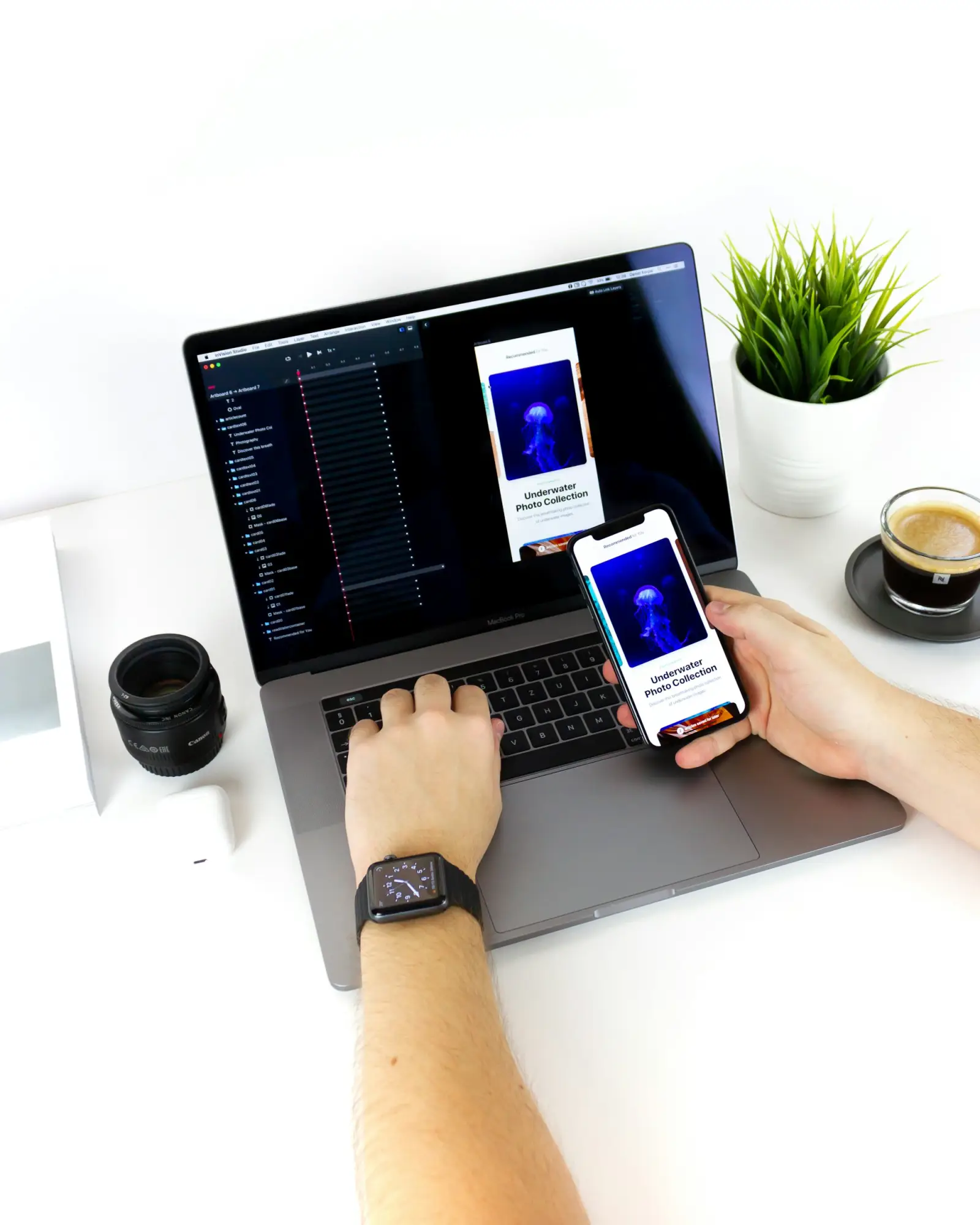
Android App Consultation
We learn who will use the app and on which devices, then recommend the features, approach and first release that make sense for your budget.
Android App Development Company
Android app development for UK businesses that need an app their customers or staff can rely on. We plan, design and build native apps in Kotlin, test them on real devices and release them on Google Play, working remotely with clients in Manchester and across the UK.
These services cover an Android app from first questions to ongoing updates. Where you need iPhone users too, we plan it with our iOS app development service.
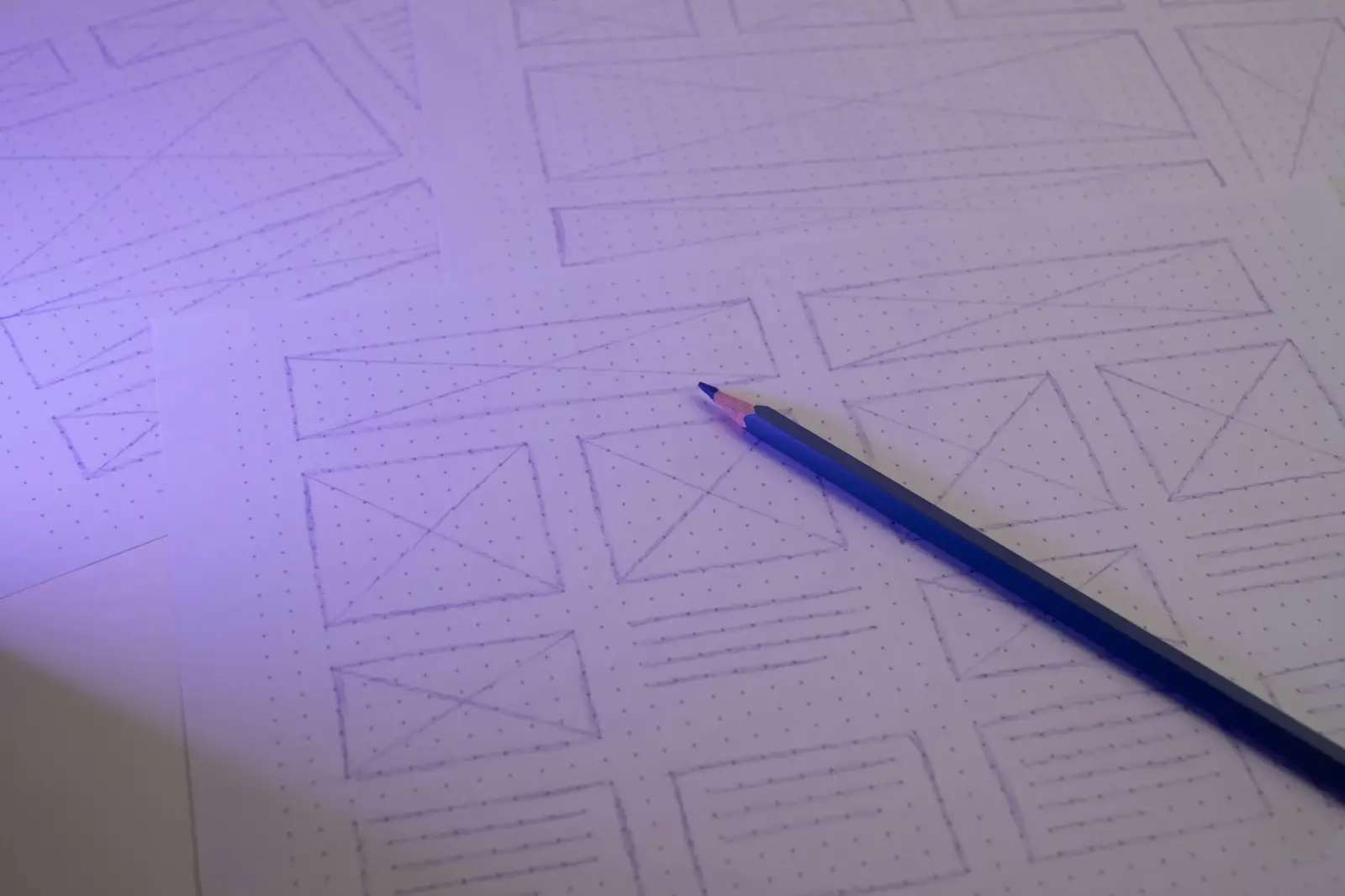
We learn who will use the app and on which devices, then recommend the features, approach and first release that make sense for your budget.
Interfaces follow Material Design conventions so they feel familiar, with your brand applied and layouts that adapt to different screen sizes.
We write Kotlin using the Android SDK and Android Studio, with a backend or web portal where data must be shared.
We test journeys across agreed devices, then keep the app updated for new Android versions and Google Play policy changes.
Booking, ordering and member apps appear in many sectors. Our published app work includes the Sila family app and the TOS home services app; see also our home services page.
Access the novel toolkit for full-stack Android application development. Combined with proficient solutions, we help businesses build stellar apps that are intuitive at the front-end and extensible at the back-end.
Android
 Kotlin
 Java
 Android Studio
 Gradle
UI/UX
 Figma
 Sketch
Cloud
 AWS
 Google Cloud
 Firebase
 Azure
Backend & Database
 Node.js
 Laravel
 MongoDB
 MySQL
Short iterations with a build you can install at each stage. Planning a budget? Read what a mobile app costs to build in the UK and what a business website costs in the UK.
We agree scope and priorities, then keep a backlog you can see and reorder.
Clickable designs let you check the main journeys before development starts.
We turn approved designs into Kotlin code, reviewing and testing as we go.
Testing across devices and Android versions finds problems before your users do.
We prepare the listing and data safety details and submit through your Google Play account.
We fix issues, update libraries and add features on agreed support terms.
Questions we are asked most often about planning, building and launching an Android app.
The price depends on features, user roles, integrations, the amount of custom design and how many devices and screen sizes must be covered. After a scoping conversation we send a written quote that lists the features and stages, so you can decide what belongs in the first release and what can wait.
A focused first version usually takes a few months from agreed scope to Google Play release. Payments, real-time features, offline use and third-party integrations add time. New developer accounts may also need a testing period before Google allows a public release, which we plan for in the schedule.
We build native Android apps in Kotlin, with Java where an existing codebase needs it, using Android Studio, the Android SDK and Gradle. Backends are commonly Laravel or Node.js with MySQL or MongoDB, and Firebase is used for services such as notifications and crash reporting.
Yes. We prepare the release build, help complete the store listing, data safety form and content rating, and submit the app through your Google Play Console account. We recommend the account is registered to your business so the listing, reviews and install history stay with you.
Android runs on many screen sizes, versions and manufacturers, so we agree a minimum Android version and a set of test devices at the start. Layouts are built to adapt to different screens, and testing covers the devices your customers are most likely to use.
Google changes its target version requirements regularly, and libraries need updating. We can maintain the app, fix problems reported by users and add features in planned releases. The scope and cost of ongoing support are agreed in writing before it starts.